Draft – not live, not indexed. This is the rebuilt version of the huddles page. The current live page is at /align-academy/what-are-huddles/. Comparing the two is the point. Feedback via #sitefeedback in Slack.
Huddles
Short, regular meetings that keep a team aligned on goals, priorities, and progress — what they're for, which one to run, and how to keep them worth the time.
Why huddles work
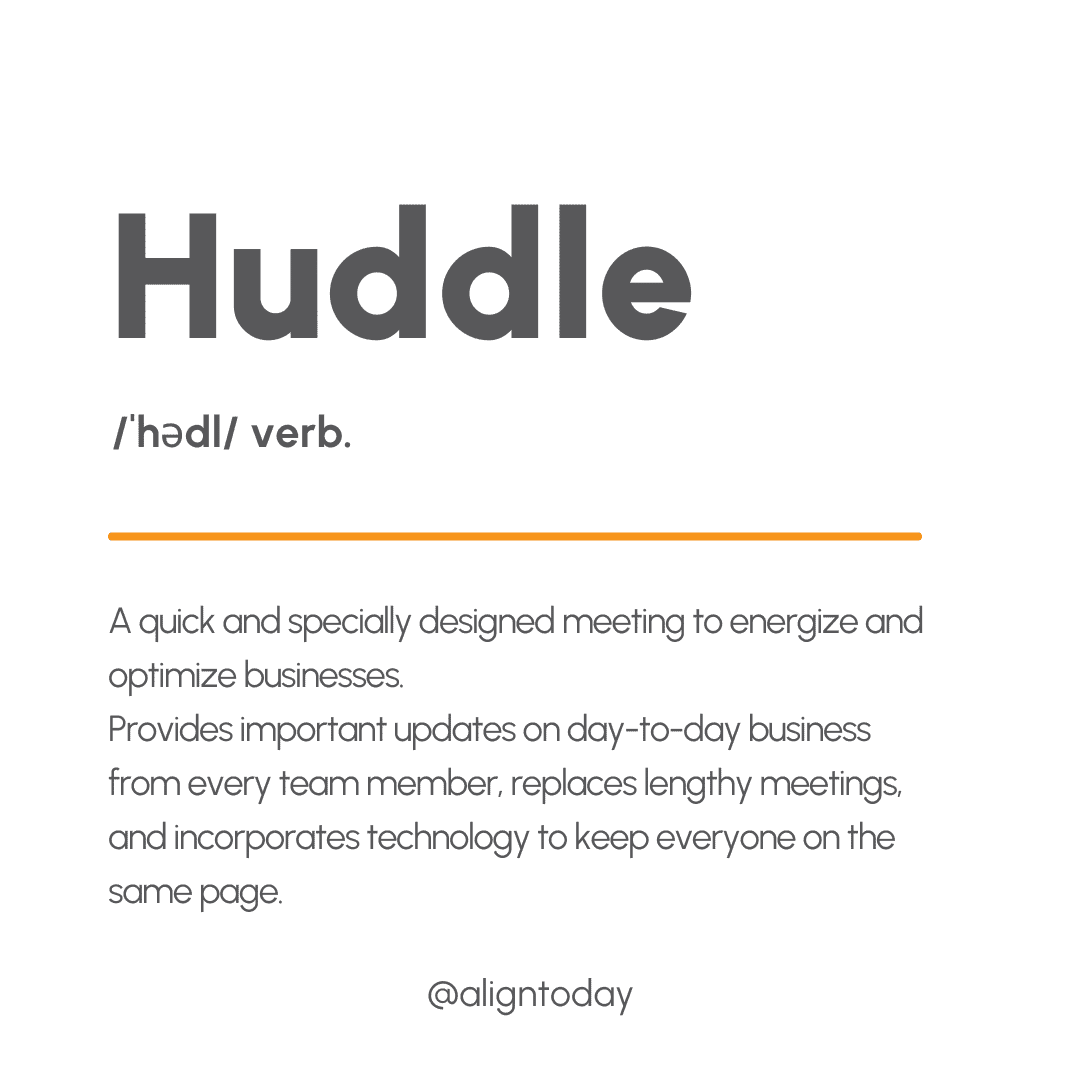
Work rarely falls apart at the strategy level. It falls apart in the gap between deciding something and everyone knowing about it – and a huddle closes that gap on a schedule instead of leaving it to chance.
 Rules of the Road download! Huddles For Leaders Download
Align customer data. See the whitepaper.
The value isn’t in any single meeting – it’s in the repetition. The same short conversation, often enough that problems surface while they’re still small and cheap to fix.
That’s also why the first few weeks feel awkward. A daily huddle takes time to settle into something a team looks forward to rather than sits through. Most teams that quit, quit before that happens.
Want to know whether it’s working for you? Run your huddles for a quarter, then compare your Priority Progress against the quarter before. That comparison is what these percentages are made of.
Which huddle should you run
Five huddles do five different jobs. Most teams start with a daily and a weekly, then add the others as they need them.
Daily Huddle
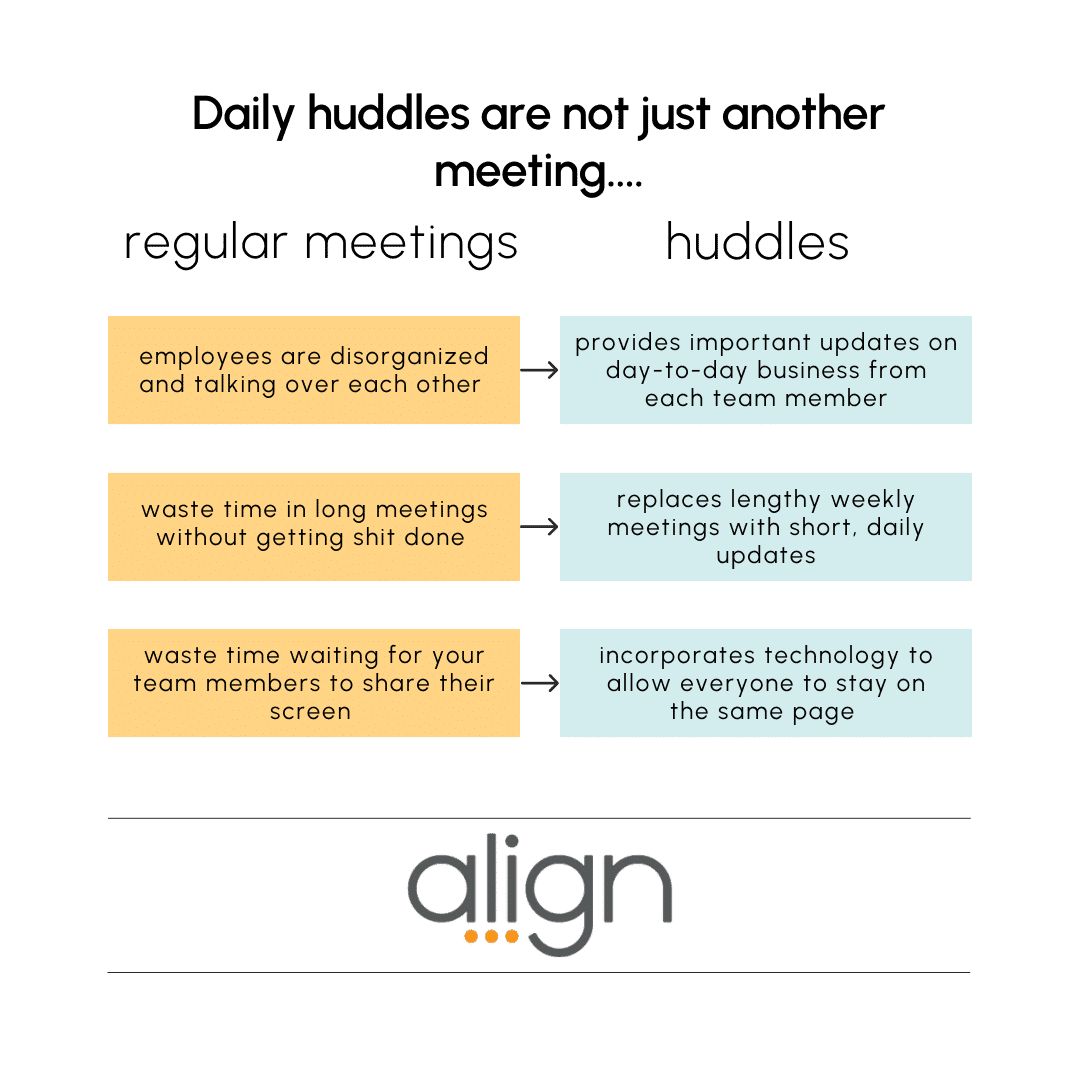
The whole team, every day. Two questions: what did you finish yesterday that matters to the rest of us, and what's your top priority today?
Who’s in it
- The whole team
- Anyone who misses it reads the entries after
What you cover
- Yesterday's relevant win
- Today's top priority
- Anything blocking it
Watch a quick explanation of why the Top Priority section improves accountability.
Weekly Huddle
Progress against goals, a real look at the metrics, and a plan for the week ahead.
Who’s in it
- The whole team
- Viewers for anyone who needs the record, not the meeting
What you cover
- Data analysis and action plan
- Priority update and action plan
- The team's focus this week
- Customer feedback
Priority-Focused Huddle
One cross-departmental priority that has to land this quarter — and everyone who moves it.
Who’s in it
- Anyone owning a child priority
- Tag every related priority so nothing is missed
What you cover
- Status: on track, behind, ahead (5 min)
- Key issues and roadblocks (10–20 min)
- Action plan into Who What When (5 min)
More on running this well: Priority-Focused Huddles on the Align blog.
1:1
A private conversation between a manager and one person: feedback, roadblocks, growth. Not another status update.
Who’s in it
- A manager and one team member
- Weekly or bi-weekly
What you cover
- Priorities and the metrics behind them
- Feedback in both directions
- Where this person is heading
Monthly Meeting
The whole company, once a month, on strategic progress.
Who’s in it
- Everyone
- Priority and Critical Number owners present
What you cover
- Critical Numbers and Quarterly Actions
- Company priorities
- Annual initiative progress
Download: Intro Daily Huddles in your Work Place
You don’t need all five. A team of six running one good daily huddle is further ahead than a team running four mediocre ones. Add the next huddle when there’s a question the current ones can’t answer – a priority slipping between departments, or a manager who only ever hears from someone in a group setting.
What makes any huddle work
Almost every bad huddle is a preparation problem wearing a scheduling problem’s clothes.
Protect the time
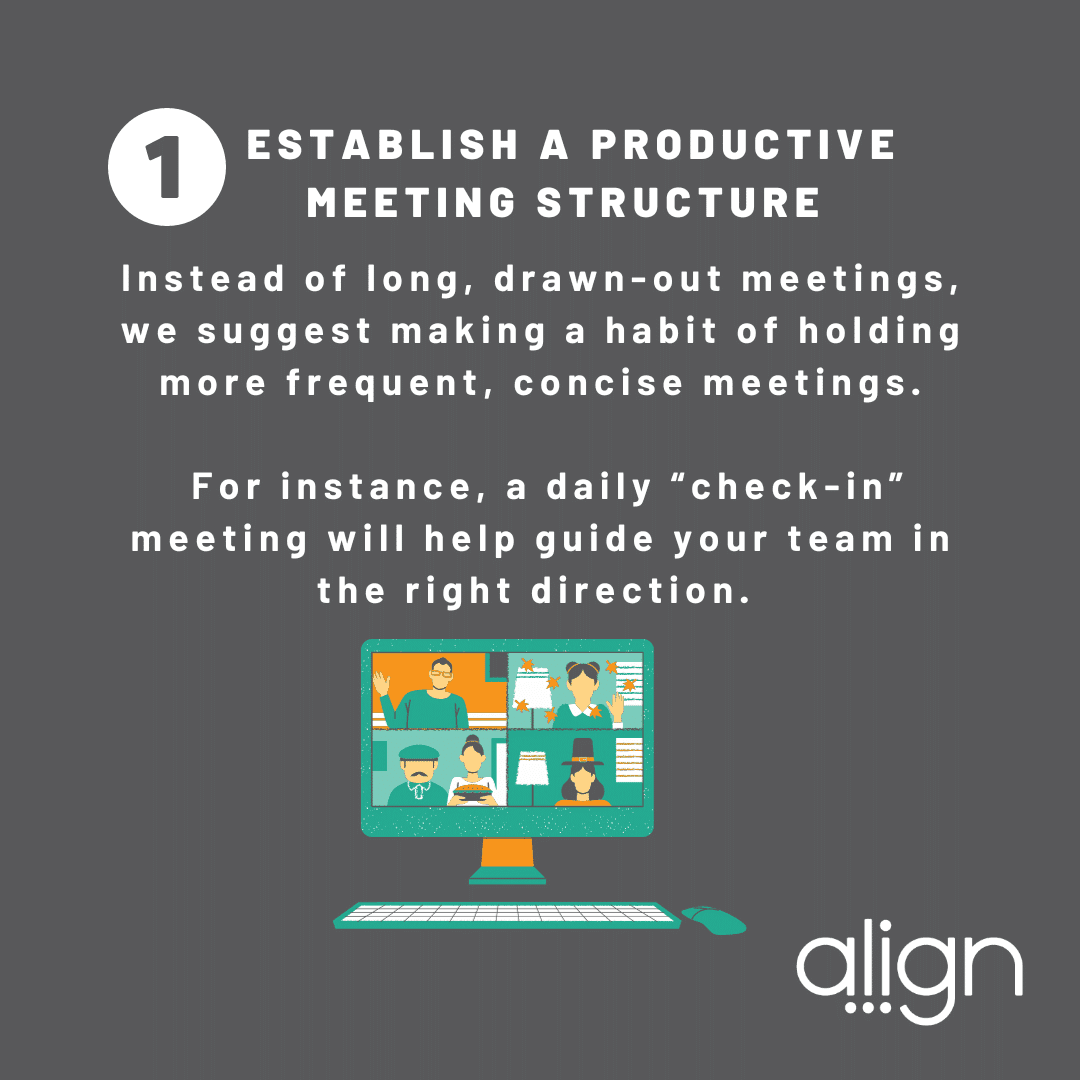
Same time, same place, conference link in the invite. Try an odd start like 9:07 – people show up on time for 9:07.
Give it a why, then an agenda
The Description field is the meeting’s roadmap: why it exists, what a good update looks like, the links you’ll need.
Write it before you say it
Everyone writes ahead and reads it as written. No rambling, no scrambling.
Set the tone
Open with good news. Make it safe to raise the hard thing.
Focus on priorities
Daily, that’s one top priority each. Weekly, it’s progress and what you’ll commit to for the week ahead.
Follow up in Who What When
Owner and date, assigned in the moment, so action items leave with the meeting.
Keep it fresh
Rotate hosts, add an intro song, open with a question – or if you’re on Zoom, pick fun virtual backgrounds as a team. A great daily huddle takes weeks to settle.
Coach the updates
The real coaching happens in 1:1s – specific feedback on what made someone’s update useful to the rest of the team.
Getting a team to write updates worth reading is the hardest part of this, and it’s a coaching problem more than a software one. A Targeted Coaching session on Communication works on exactly that.
Action items
They go into Who What When, in the moment, with an owner and a date – so they leave the room with the meeting instead of living in someone’s notebook.
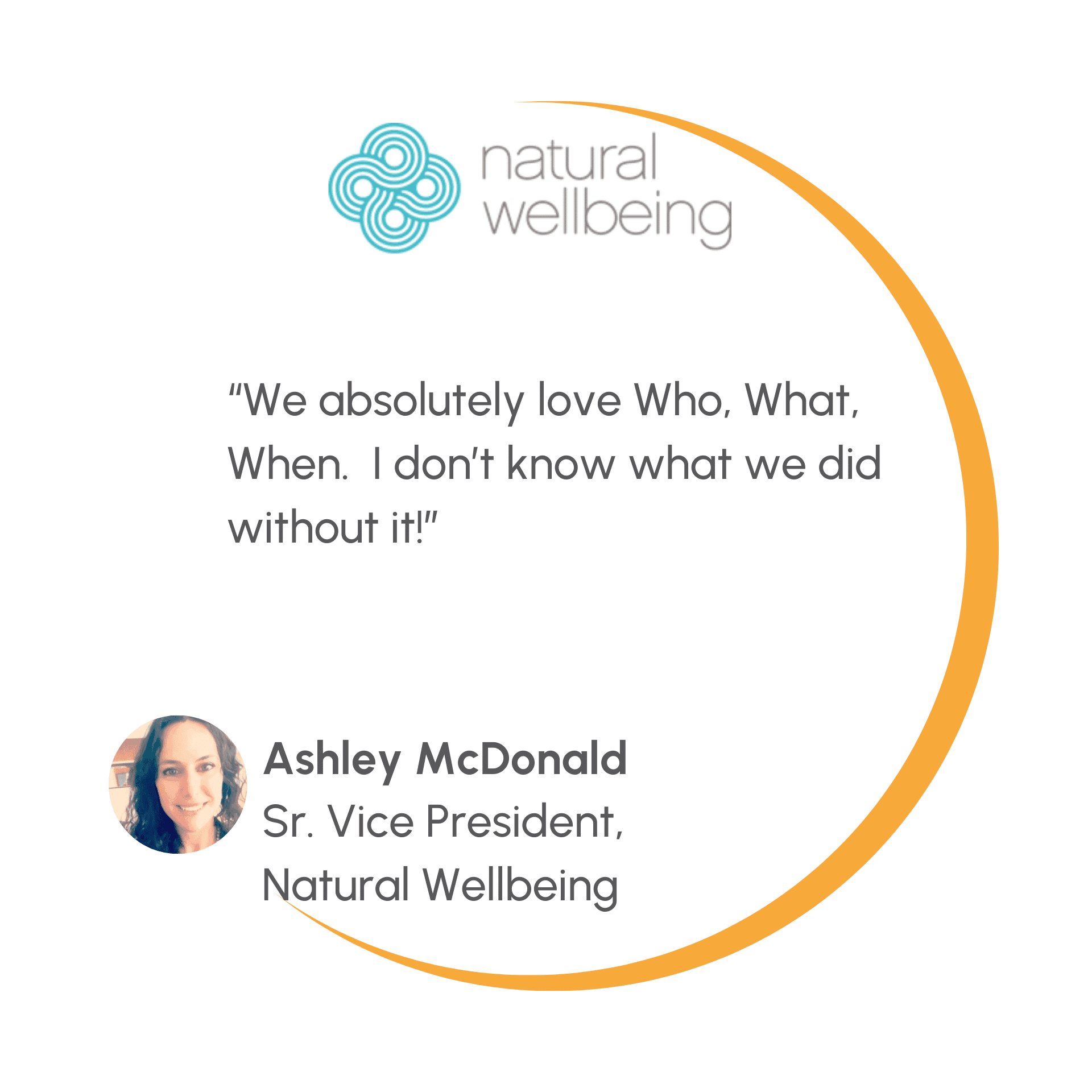
Every action item tied to the huddle shows up in one view. Filter by person or due date, add or edit inline while you’re still talking, and anything new is picked up by the recap email automatically.
What the layout gives you
Shape it
Reorder sections so the agenda matches how your team talks. Run by section or by person – stand-ups usually want by-person, weekly reviews by-section.
Run it
KPI sections put the numbers in the meeting. Documents live inside the huddle. Private Notes hold the thought only you can see.
Close it
The “huddle updated” checkmark shows who prepared. Then send an AI-powered recap with the full action list.
Shape it. Reorder parking lot, custom notes, and KPI blocks so the agenda matches how your team actually talks. As Admin or Huddle Owner, pick the two things every member card shows: Priority Progress, Top Tasks Completed, WWW Tasks Completed, or title.
Run it.Keep the numbers and the documents you’re discussing inside the meeting rather than another tab. And if you run with a dedicated notetaker, or someone’s out, Admins and Huddle Owners can update another member’s section so the record stays complete. Need to spin up a similar huddle fast? Check the in-app FAQ for how huddle cloning works.
Close it.The recap email carries a written summary, current metrics, everyone’s updates, and the full Who What When list.
Still on Classic View? It’s an older layout we no longer support, and it will be retired eventually. Everything above is what you’re not getting in the meantime.
Moving off Classic View, or building your first huddle from scratch? An Advisor Led training walks your team through it in one session.
Viewers
Someone who needs the notes but not the meeting can be added as a Viewer – they get the record and the recap email without appearing as a participant.
It’s the answer to the stakeholder who wants visibility, the leader tracking three teams, and the neighboring department that needs to stay in sync – none of whom need another recurring meeting on the calendar.
Where to get help
Three different doors, for three different problems.
Ask Align
Tuesdays and Thursdays. Bring one question to a room of Advisors. Free, no setup, no commitment.
Targeted Coaching
For what to say. Meeting culture, update quality, getting a team to actually prepare.
Advisor Led training
For how to do it in the software. Setup, configuration, and moving your team onto the current layout.
Not on the Standard package yet? Everything on this page – all five huddle types, Who What When, KPI sections, recaps – comes with it. Your Advisor can walk you through what changes for your team: advisor@aligntoday.com.