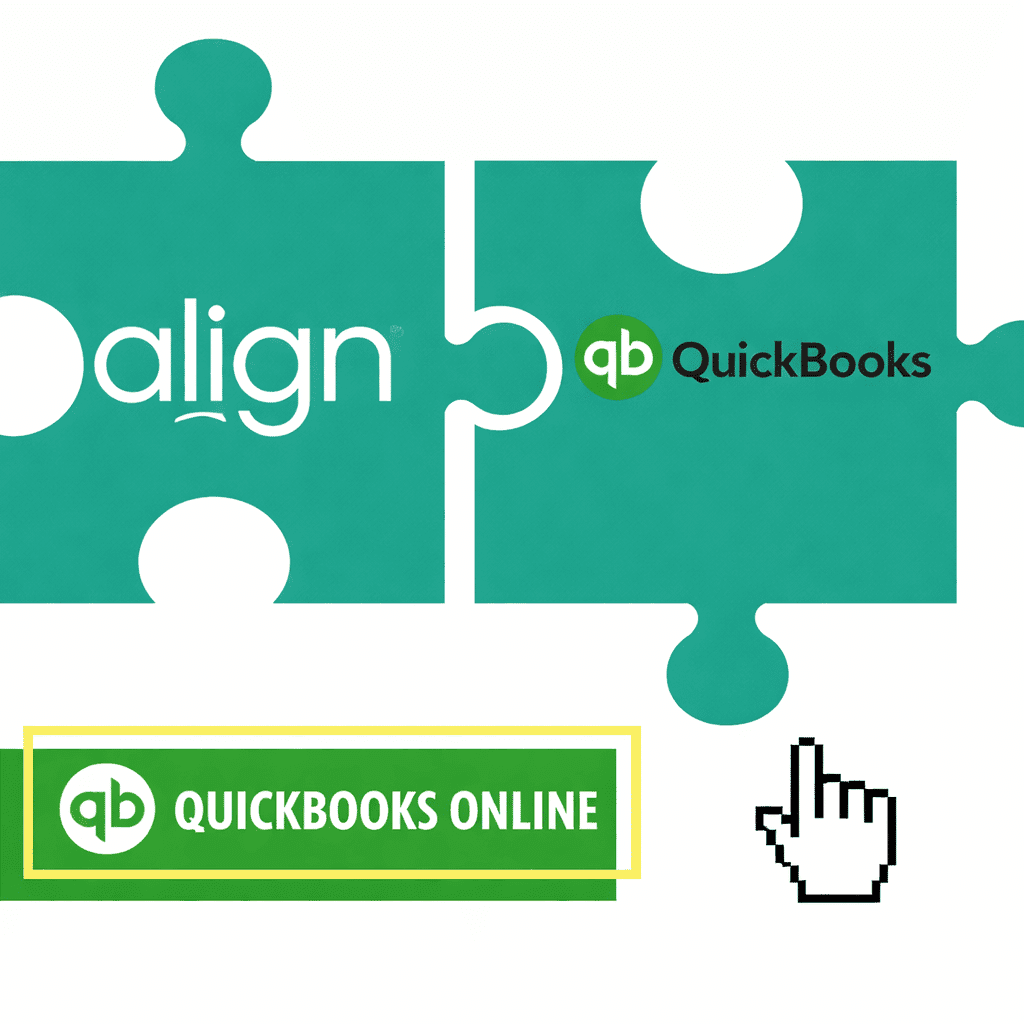
Native Integration
Connect QuickBooks Online to Align and keep your key metrics up to date automatically.
Align pulls data from your QuickBooks reports, including your Balance Sheet, Profit & Loss, Cash Flow, and AR & AP Aging reports, so the numbers that matter stay current without manual work.
You can link a growing list of QuickBooks data points directly to Metrics in Align. When your data changes in QuickBooks, your Metrics in Align update automatically.
No more chasing down updates. No more manual entry. Just accurate numbers, always up to date, so your team can stay focused on making smart moves today for big wins tomorrow.
Security
Build with Security & Visibility in Mind
Initial Connection: To protect your data, the initial connection between Align and your QuickBooks Online account must be set up by an Administrator.
Want to automate your data without making it visible to the whole company? If certain financial metrics are sensitive, Align’s Metric security settings let you limit visibility to specific team members, so confidential data stays protected.
Looking to get QuickBooks Online connected?
- Step-By-Step instructions for Admins to connect their QBO account
- Metric Visibility FAQs
- Integration Troubleshooting & Best Practices