
Overview
This article covers Metric creation, how to connect them to integrations, and how to update Priorities via these Metrics. For more specific information about the integrations available, check out the Salesforce FAQ and Zapier FAQ articles.
Use Metrics if you plan on tracking the same business metric in multiple places or over extended time periods. Metrics can be integrated with Salesforce or Zapier for automated updates.
Priorities can be connected to Metrics. When connected, a change to the Metric will update the Priority, and vice versa. When a Metric is integrated to an external product like Salesforce or Zapier, any connected Priorities will also receive automated updates.
Creating Metrics
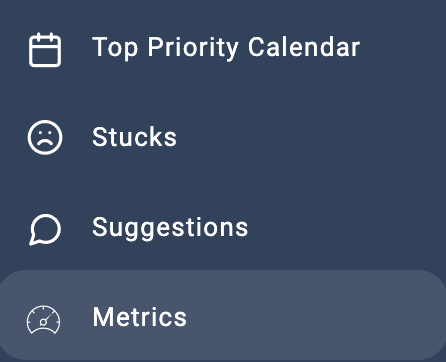
Go to the Metric page by clicking the icon in the left-hand navigation menu:
Click “Add Metric”:
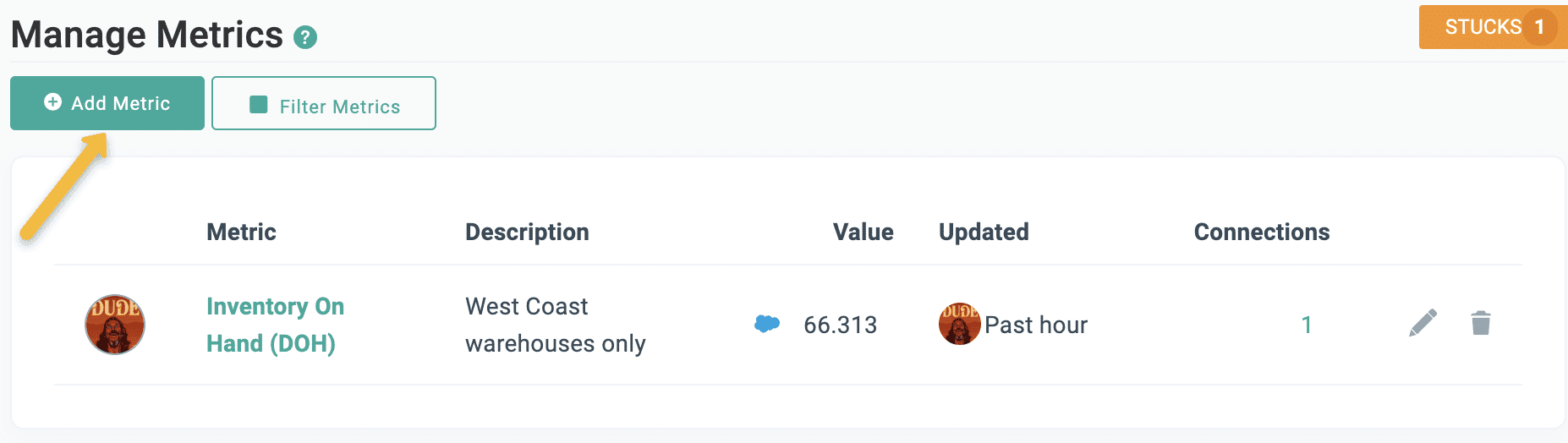
The Metric creation screen contains the following fields:
| Field | Description | Required |
|---|---|---|
| Metric Name | Give the Metric a name. Will be used to connect the Metric to other Align objects. | Yes |
| Unique Identifier | Will be generated from the Metric Name, but can be changed by the user. Required for connecting Metrics to external integrations. | Yes |
| Owner | Defaults to the current user. | Yes |
| Status | Defaults to "Active". A status of "Deprecated" or "Inactive" will disable it from being connected to Align objects. | Yes |
| Description | Leave a description to give context about the Metric to the rest of your team. Description will appear on the Metrics page. | No |
| Value | The current value of the Metric. Updated either by the user, or automatically if the Metric is connected to an external integration. | Yes |
| KPI Unit | Defaults to "Target Count". Use this to better describe the format of the Metric. | Yes |
| Integration | Defaults to "None". If your account is connected to the Salesforce and Zapier integrations, these options are available as well. | No |
| Comments | Use the comments section to leave information about any interesting changes to the Metric value. | No |
4. Click “Save”. The Metric is now available to be connected to Align objects.
Connecting Metrics to an External Report Using Integrations
Once a Metric is created, it can be updated automatically via Align’s integrations with Salesforce and Zapier. For more specific information about the integrations available and how to connect your account, check out the Salesforce and Zapier pages in the Align Academy.
Connecting Priorities to Metrics
Once your Metric is created, you connect it to Priorities in two ways:
1. Via the “Select Value Source” setting on the Priority Settings page:
Note that you can also create a new Metric directly from the Priority as well by selecting “Create a new Metric…” from the dropdown.
2. You can also connect Priorities from the Metric page by clicking on the “Connections” link. This is a good option if you are planning on connecting multiple Priorities to a single Metric.

From this screen you can connect existing Priorities, create new Priorities and connect them, or remove existing connections.
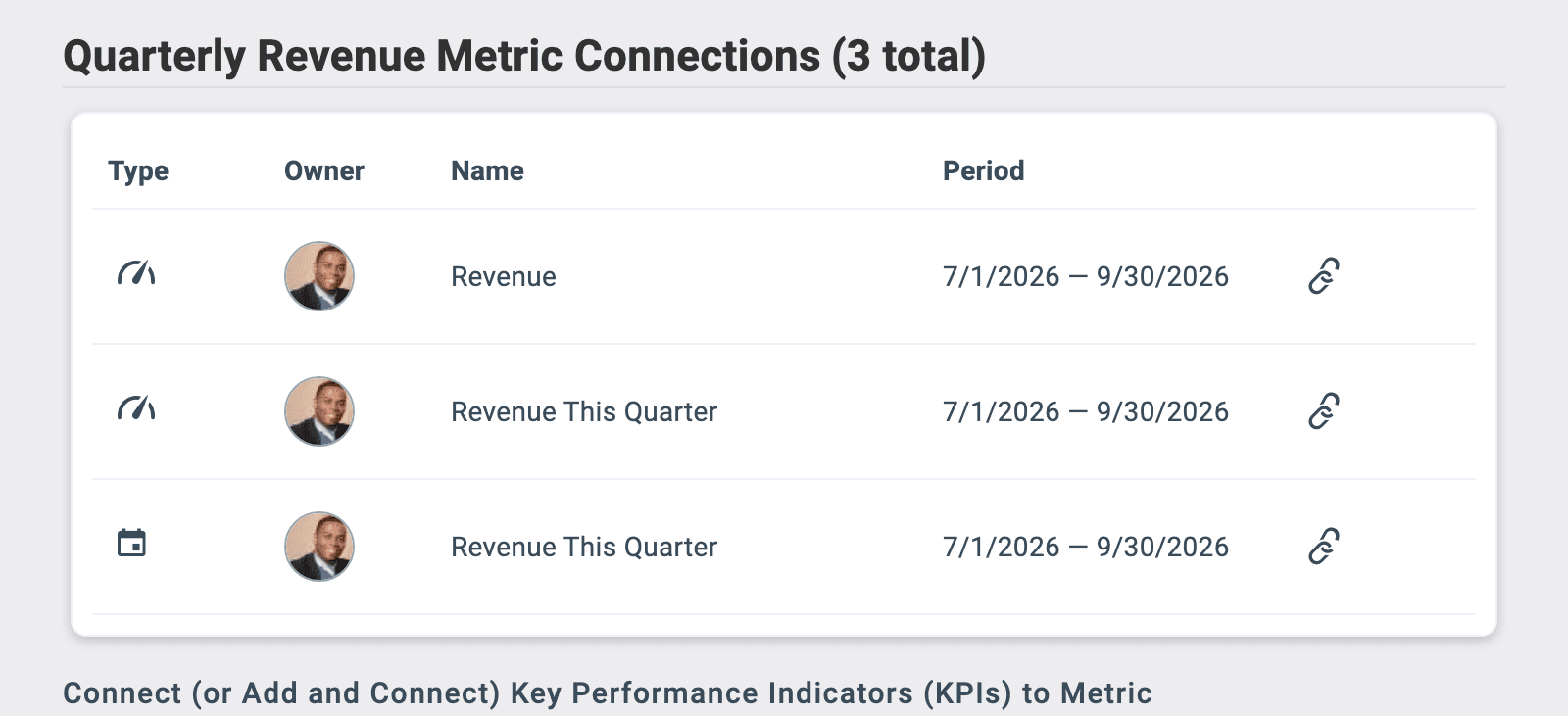
Once connected, a Priority’s value will update when the Metric’s value is updated. In this way, you can also connect your Priority’s value updates to automatic updates via Salesforce and Zapier. Priorities connected to integrated Metrics will display the integration’s icon.